
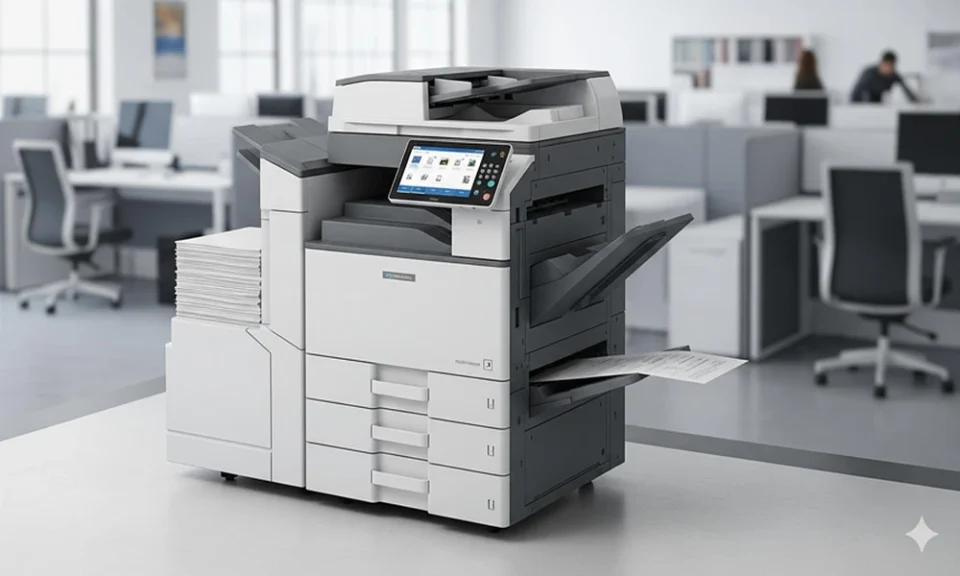
Office printing is often treated as a routine operating expense. Businesses purchase printers, order supplies, arrange maintenance, and assume the costs are simply part of keeping the workplace running.
However, the actual cost of printing extends beyond paper, toner, and equipment purchases. Unnecessary print jobs, inefficient workflows, unexpected repairs, and poorly managed devices can create ongoing expenses that are difficult to recognize without proper oversight.
For organizations looking to control operating costs, reviewing the print environment can reveal opportunities to improve efficiency without disrupting essential business activities.
Understanding the True Cost of Office Printing
The purchase price of a printer represents only one part of its overall cost. Businesses also pay for consumables, electricity, maintenance, repairs, replacement components, and the administrative work required to keep equipment operational.
Indirect costs can be equally important.
For example, employees may spend valuable time troubleshooting devices, waiting for repairs, or searching for a functioning printer. IT teams might repeatedly handle printing issues that could be prevented through better equipment management.
A comprehensive cost assessment should consider:
- Equipment purchases, leases, and replacement cycles.
- Paper, toner, ink, and other consumables.
- Maintenance contracts and unexpected repair expenses.
- Employee time spent resolving printing problems.
- Energy consumption and unnecessary printing.
- Administrative work associated with multiple suppliers.
Evaluating these expenses together provides a clearer picture of what printing actually costs the organization.
It also helps decision-makers distinguish necessary expenditures from avoidable inefficiencies.
Identify Inefficient Printing Habits and Equipment
Before implementing changes, businesses need to understand how their printing resources are being used.
An effective starting point is a printer inventory. Document every device, its location, age, primary users, maintenance history, and estimated printing volume.
This process can reveal equipment that is underused, frequently repaired, or poorly matched to its workload.
For example, a department might maintain several individual desktop printers even though a centrally located multifunction device could accommodate its printing requirements.
Employee printing habits also deserve attention.
Common sources of unnecessary spending include printing emails that could remain digital, producing duplicate documents, and using color printing when black-and-white output would be sufficient.
Organizations can address these issues by introducing sensible printing guidelines rather than restricting employees indiscriminately.
Default double-sided printing, clear policies for high-volume jobs, and encouragement to use digital documents when practical can help reduce unnecessary output.
The objective is not to eliminate printing. It is to make sure every device and print job serves a legitimate business purpose.
Build a More Efficient Print Management Strategy
Once printing patterns and expenses are understood, organizations can begin improving how their equipment and resources are managed.
A coordinated printing strategy may include device monitoring, preventive maintenance, usage reporting, supply management, and periodic equipment evaluations.
Instead of reacting to problems after they interrupt operations, businesses can establish processes that identify potential issues earlier.
For organizations managing multiple printers, departments, or office locations, managed printing solutions can provide a framework for coordinating equipment, maintenance, and document workflows while improving visibility into printing-related expenses.
The right approach depends on factors such as workforce size, printing volume, document requirements, and existing technology.
A smaller office may benefit from consolidating equipment and simplifying supply purchases. A larger organization may need centralized reporting, standardized device settings, and coordinated support across several locations.
Regardless of scale, an effective strategy should establish clear responsibilities for equipment maintenance, cost monitoring, and ongoing improvements.
Regular reviews are also important because printing needs change as organizations grow, restructure, or introduce new technology.
Reduce Downtime Through Preventive Maintenance
Unexpected printer failures can interrupt more than document production.
A malfunctioning device may delay administrative processes, customer communications, shipping documentation, or other time-sensitive activities.
Businesses sometimes respond by purchasing replacement equipment without first investigating whether existing devices could operate more reliably through better maintenance.
Preventive maintenance offers a more systematic alternative.
Routine inspections, appropriate cleaning, timely replacement of worn components, and manufacturer-recommended updates can help maintain equipment performance.
Organizations should also monitor recurring problems.
If one printer consistently develops paper jams or requires frequent servicing, the issue may indicate unsuitable equipment, excessive workload, or a maintenance problem that needs further investigation.
Tracking service requests can help identify these patterns.
Another consideration is equipment placement. Frequently used devices should be accessible to the employees who depend on them, while specialized printers should be allocated according to actual document requirements.
Improving reliability is not necessarily about buying newer equipment. Often, it begins with using existing resources more effectively.
Use Digital Workflows to Avoid Unnecessary Printing
Not every document needs a physical copy.
Many organizations continue printing materials because their established processes were designed around paper rather than current operational requirements.
Reviewing these processes can uncover opportunities to simplify routine tasks.
For instance, internal approval forms may be suitable for electronic workflows, while meeting materials can sometimes be shared digitally instead of printed for every participant.
Digital document storage can also reduce the need to maintain multiple physical copies of frequently accessed information.
However, organizations should avoid assuming that every paper-based process can be eliminated.
Certain activities may still require printed documents because of customer preferences, operational limitations, recordkeeping policies, or industry-specific requirements.
The most effective approach is to evaluate each workflow individually.
Ask whether a printed document is necessary, whether a digital alternative would be practical, and whether any change would improve the experience for employees or customers.
When thoughtfully implemented, digital workflows and efficient printing practices can complement each other rather than compete.
Measure Results and Continue Improving
Printing efficiency should be treated as an ongoing operational responsibility rather than a one-time cost-cutting exercise.
Organizations can evaluate progress by tracking practical indicators such as monthly print volume, supply spending, maintenance frequency, device utilization, and service interruptions.
Comparing these measurements against an initial baseline helps determine whether changes are producing meaningful improvements.
For example, reduced paper consumption may indicate that printing guidelines are working, while fewer maintenance requests could suggest that equipment management has improved.
Employee feedback provides another useful perspective.
A strategy that reduces expenses but creates delays or makes essential documents difficult to access may need adjustment.
The goal is to balance cost control with reliability, accessibility, and productivity.
Conclusion
Office printing costs can accumulate quietly when businesses lack visibility into equipment usage, maintenance requirements, and document workflows.
By understanding the full cost of printing, identifying inefficient habits, maintaining equipment proactively, and adopting practical digital alternatives, organizations can make more informed decisions about their resources.
Sustainable improvements come from consistent monitoring and thoughtful changes rather than unnecessary restrictions or equipment purchases.
With a clear understanding of operational needs, businesses can create a printing environment that supports productivity while keeping avoidable expenses under control.
